Connection method
Printers are grouped by how they talk to your devices, including Bluetooth, Wi-Fi, USB, and Ethernet options.
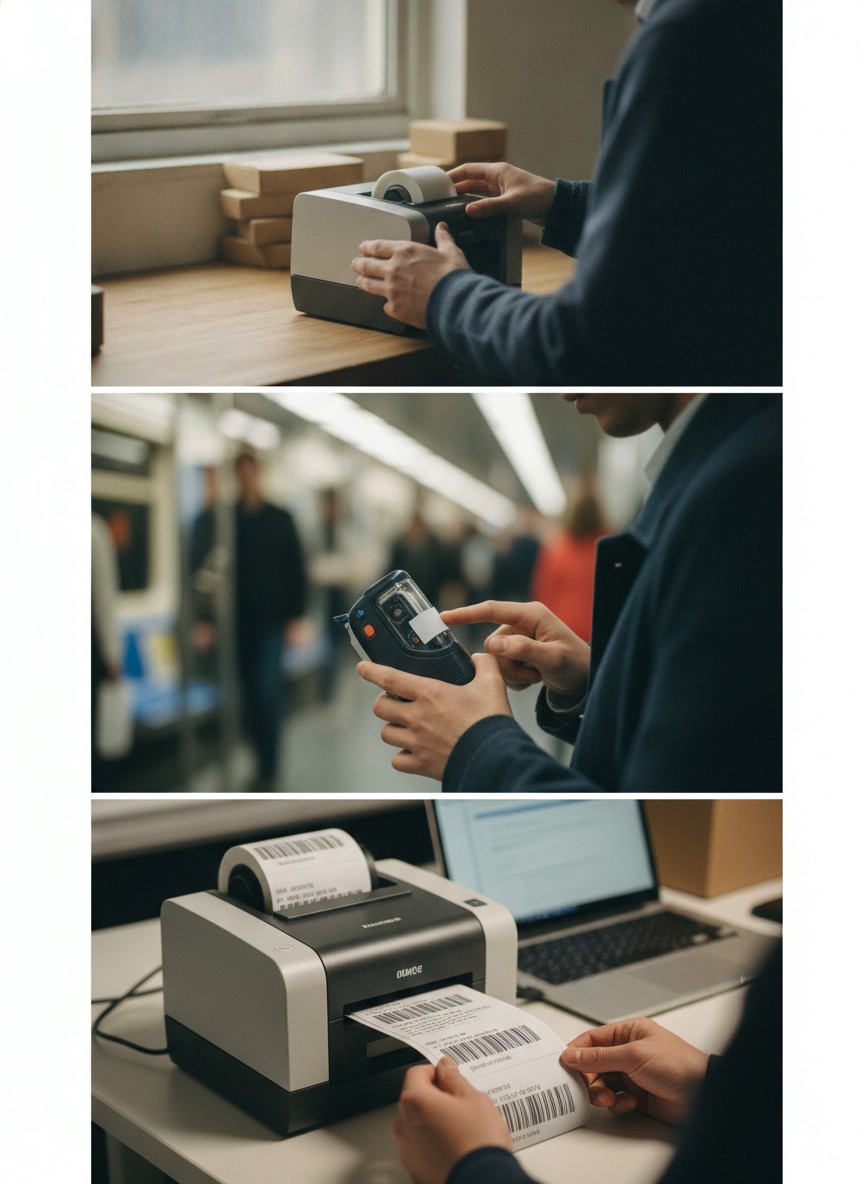
This guide explains the technical categories found in our listings to help you choose the right hardware for your task.
We track to maintain a current index of available hardware. This catalog sorts devices by their technical specifications and intended workflows.
Printers are grouped by how they talk to your devices, including Bluetooth, Wi-Fi, USB, and Ethernet options.
The listings distinguish between direct thermal, thermal transfer, and inkjet models based on their mechanical design.
We categorize hardware by compatibility with Windows, macOS, Android, iOS, and ChromeOS platforms.
Ratings come from what shoppers actually said, not from a formula we invented.
When a listing has a public average rating, that number is the main input.
Notes we kept still count a small amount, and more reviews lift the mark while very few pull it down.
Listings that are often unavailable lose a little, and a brand score is just those listing scores taken together.
For mailing and address tasks, 4x6 printers are the standard. These high-speed thermal units work with carriers like USPS, UPS, and FedEx to produce scannable postage without ink.
Handheld and portable labelers are best for files, kitchen jars, and school supplies. These often use narrow tapes and include built-in cutters for quick application.
Barcode and retail printers are built for inventory management. These include desktop models and specialized inkjet batch coders for printing dates and QR codes on products.
Pick a set that matches how you will use it
Inkless printing technology that uses heat-sensitive paper for cost-effective labeling
Wireless connectivity for printing directly from smartphones and tablets
Battery-powered designs for labeling anywhere without a power outlet
High-speed thermal printers designed specifically for 4x6 postage and courier labels
The industry standard size for international and domestic shipping labels
Compact devices with built-in cutters for organizing home, office, and school supplies
Devices that pair with Android smartphones and tablets
Reliable wired connection for desktop computers and workstations
Cable-free printing across your local network for flexible workspace placement
Printers that support Apple iOS devices for mobile label design and printing
Standard label printers designed for PC and Windows-based business software
Maintenance-free printing that never requires expensive ink or toner